
Why Scheduling
Every appointment, booked against real capacity.
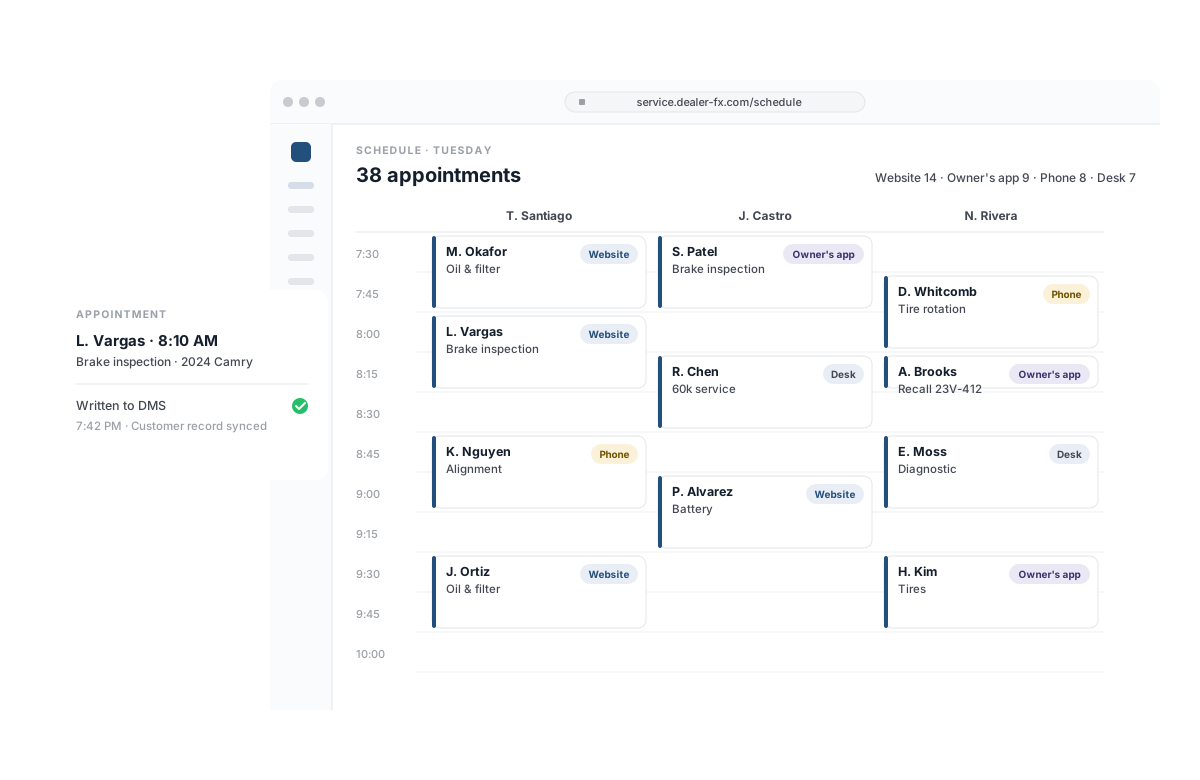
Filling the day
Every channel books into the same schedule. Your website, your OEM’s site and owner’s app, the service desk and the BDC all write to the same day, and each appointment lands in your DMS with the customer record as it’s made.
- Online booking from your dealer website, OEM site and owner’s app*
- In-dealer scheduling for advisors and the BDC
- Two-way appointment and customer record sync with your DMS†
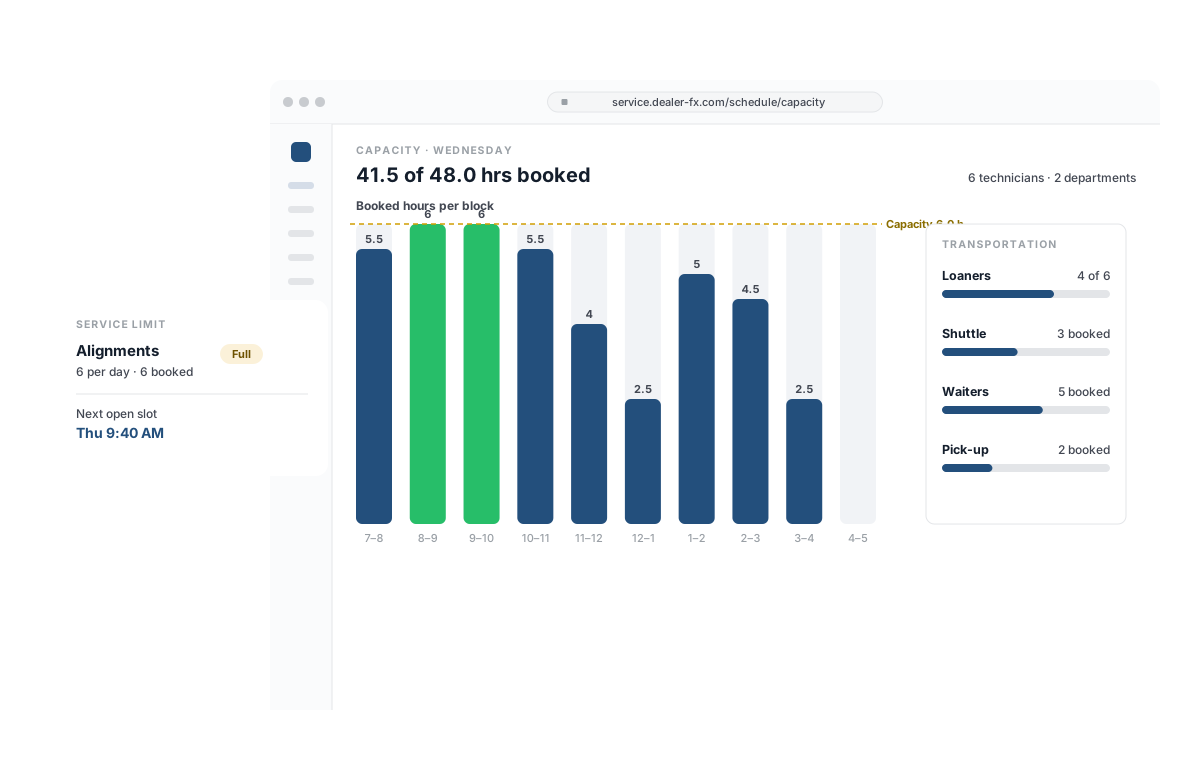
Booking against capacity
Book what the shop can take. Capacity is set by technician hours, department and service type, so the day fills without overbooking the bays, the loaner fleet or the shuttle.
- Capacity management by technician hours, department and service type
- Employee schedules and multiple service departments
- Transportation management — loaners, shuttle and waiters planned at booking
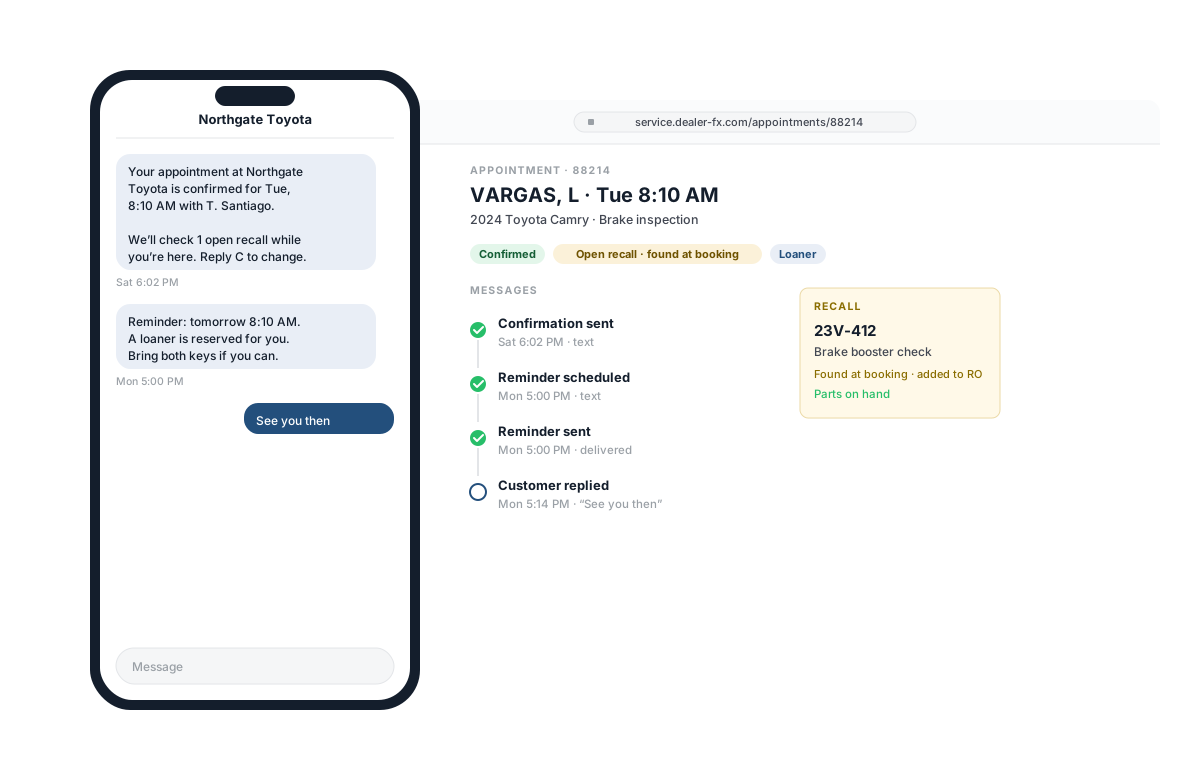
Keeping the appointment
Customers arrive knowing what to expect. Confirmations and reminders go out on their own, and open recalls are flagged against the VIN when the appointment is booked, not discovered in the bay.
- Appointment confirmations and reminders by text and email
- Real-time OEM recalls and active warranty products at booking*
- Connected vehicle and telematics data on the appointment*
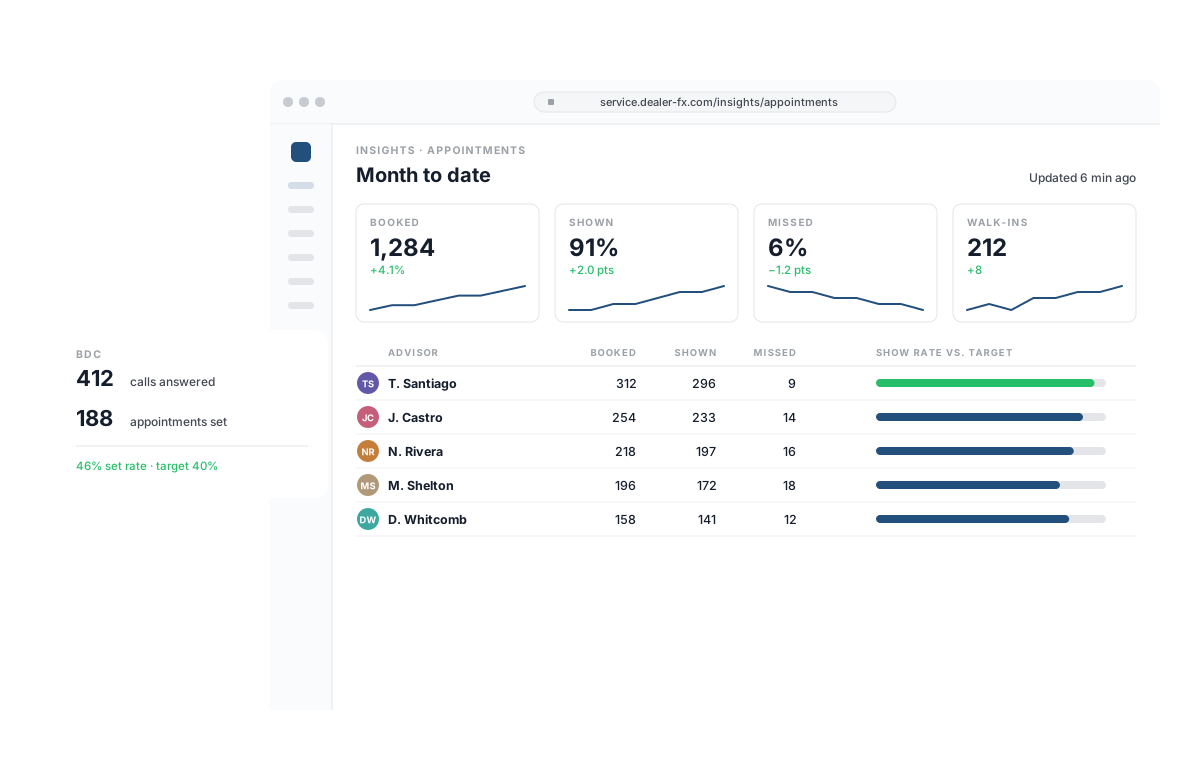
Measuring what showed
Know how the day was booked, kept and lost. Appointment, BDC, missed-appointment and walk-in reporting by store and by advisor, current when you open it.
- Appointment performance and missed-appointment reports
- BDC performance reporting
- Walk-in reporting — what arrived without an appointment