
Why Shop Management
Every repair order, worked in one place.
Running the repair order
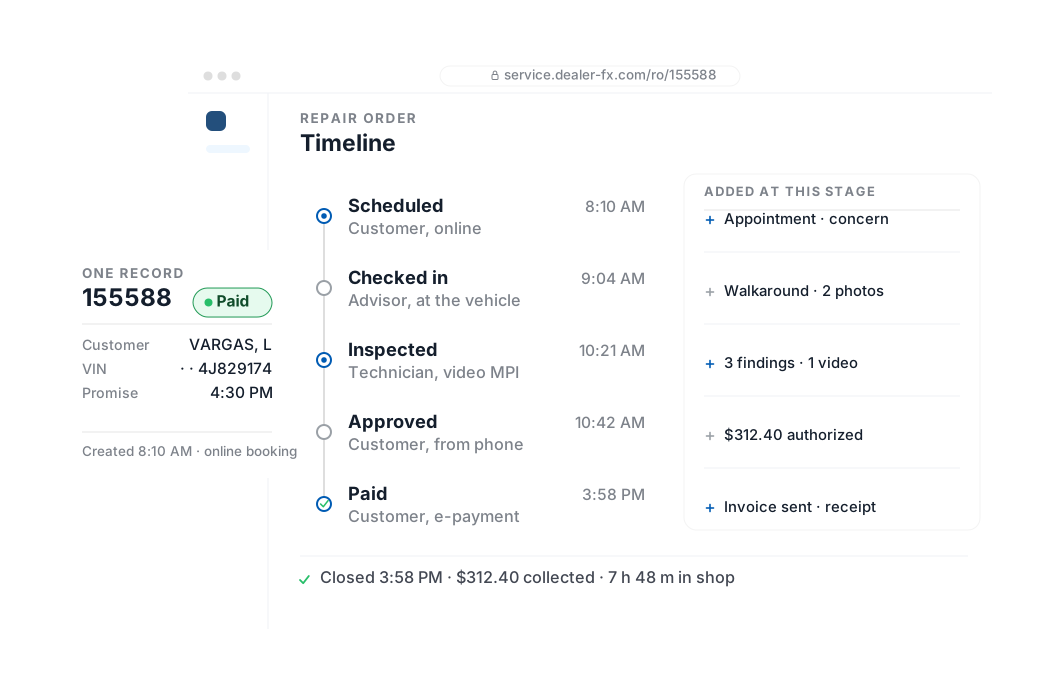
The repair order is created, worked and closed in the same place. Parts, labor and approvals post to your DMS as they happen, and every photo, video and message stays attached to the job — so when a customer calls asking where their car is, there’s one place to look.
- Create, import and manage repair orders with two-way DMS sync†
- Parts requests, live inventory and pricing from your DMS†
- Media management and a full audit log on every repair order
Dispatching the work
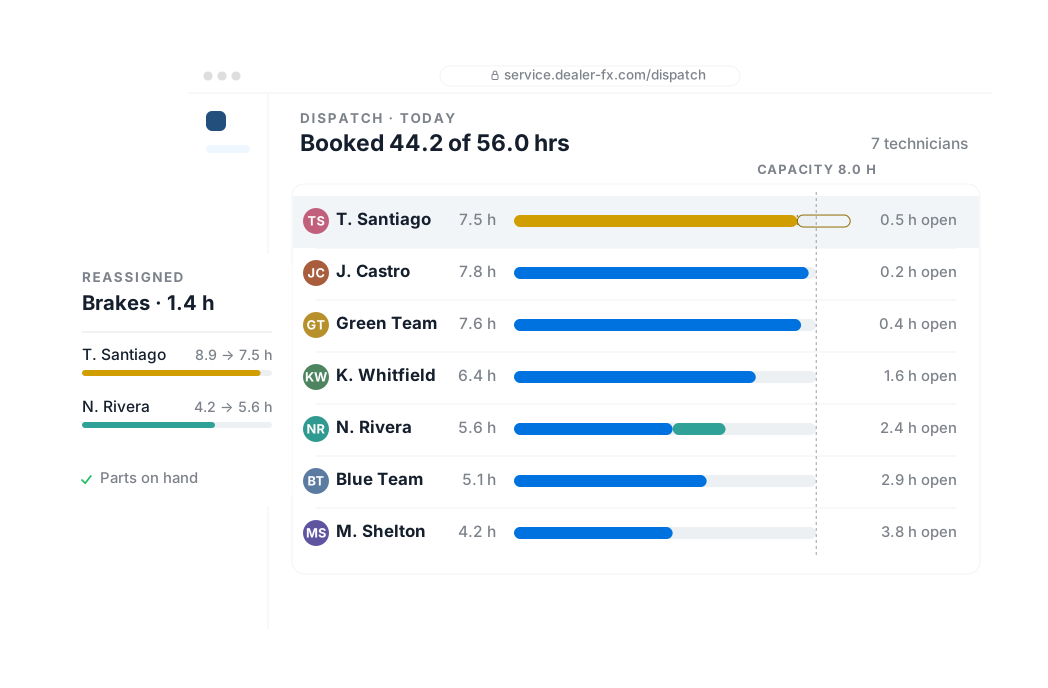
See every vehicle in the shop and who’s on it. Dispatch against real capacity, move a job when a bay opens, and give each technician a task list instead of a walk to the tower.
- In-service vehicle queue and quick dispatch
- Personalized task view for advisors and technicians
- VIN-specific service estimator, priced before the car is promised
Showing the work
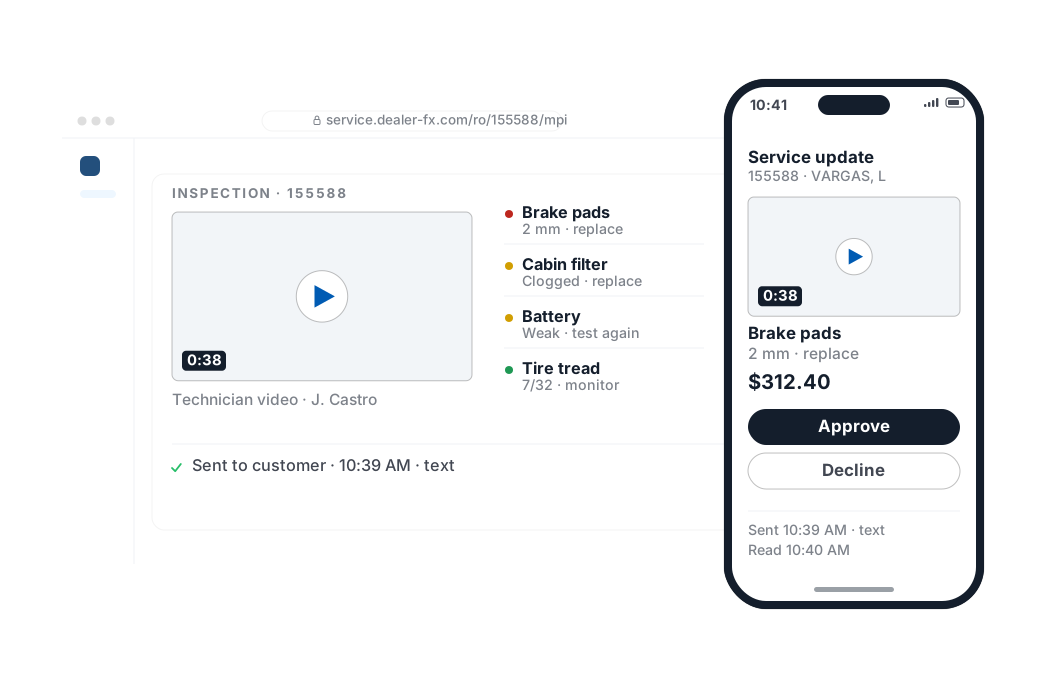
Customers approve what they can see. The technician records the inspection in photo and video, the estimate is priced beside it, and the customer approves or declines from their phone — timestamped on the repair order.
- Vehicle inspections with customizable templates
- Technician videos and photo evidence on the estimate
- Customer estimate approval, logged to the repair order
Seeing the whole shop
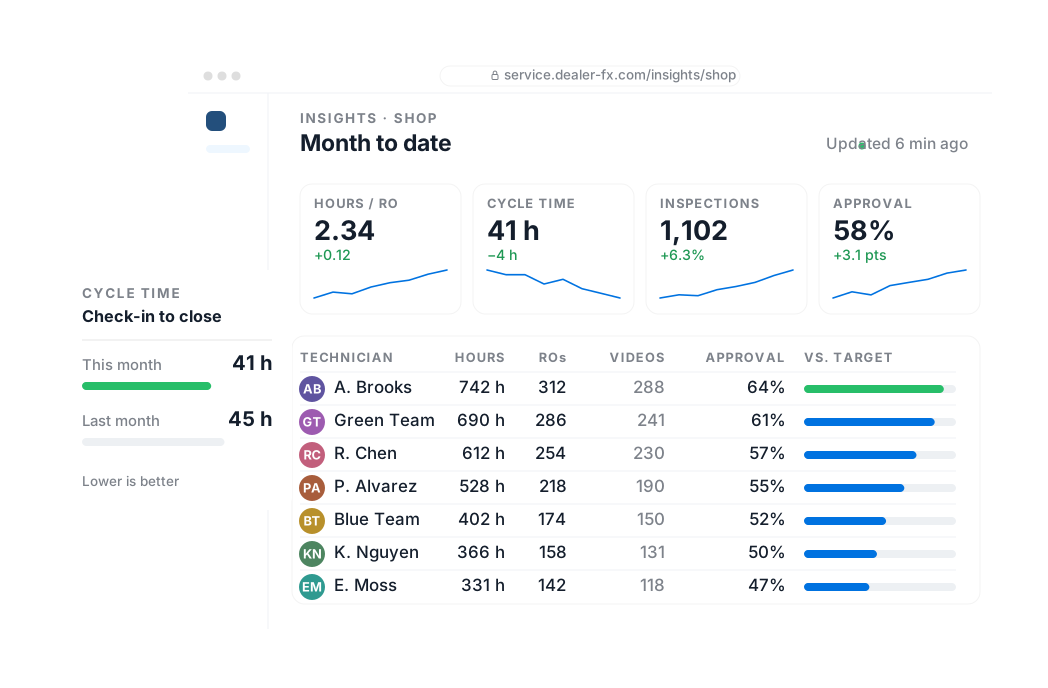
Know how the shop is running while it’s running. Technician performance, cycle time, inspection and ASR results by store and by technician, without waiting for month end.
- Technician performance and cycle time analysis
- Inspection and ASR analysis dashboards
- Shop financial performance and product utilization reporting
†Subject to DMS availability.